
An Expert Advisor does not sleep, and it does not forgive a disconnect. A manual trader who loses their connection during the London open closes the laptop and waits. An EA that loses its connection mid-position leaves an order half-managed, a trailing stop frozen, and a martingale grid one tick away from a margin call. The cost of the wrong forex VPS is not measured in monthly dollars. It is measured in the single unattended exit that does not fire because the server was paging memory to disk during a Non-Farm Payrolls spike. That one event can exceed a full year of hosting fees.
This is why an EA-hosting VPS is a different purchase from a general trading VPS. The machine has to stay up without anyone watching it, hold enough memory headroom that a tick-volume surge never forces it into swap, and sit physically close enough to the broker’s matching engine that order round-trips stay in the low single-digit milliseconds. We evaluated nine forex VPS plans specifically against those automated-trading requirements: unattended uptime history, RAM sized for multi-EA load rather than a single idle terminal, broker-hub colocation, and whether DLL-based EAs are even permitted. Our evaluation criteria and what we did not test are described in the methodology section below.
What We Found
After evaluating all nine providers against EA-hosting requirements, here is the summary. VPSForexTrader delivers 4 GB ECC RAM on AMD EPYC processors with Equinix NY4 and LD4 colocation at $25.59/month on annual billing, and a $0.99/3-day trial that lets you measure real broker latency before an EA ever goes live [1]. MetaQuotes Virtual Hosting is the cheapest credible option at $12.80/month annual but bans DLL imports, which disqualifies a large share of commercial EAs [2]. ForexVPS.net offers the widest location network at 22 cities from $32/month annual, though it shares infrastructure with FXVM under parent company ThinkHuge Ltd [3]. FXVM provides the cheapest forex-specific trial at $0.99 for 7 days across 15 cities, with entry plans from roughly $15/month [4]. TradingFXVPS markets AMD Ryzen 9 9950X processors and Equinix colocation from $17.50/month annual, attractive for single-core-bound EA logic [5]. NYCServers pre-installs broker platforms with automatic location optimization from $16.67/month annual across New York, London, and Tokyo [6]. VPSforFX provides AMD EPYC processors with 4 GB ECC DDR4 RAM and Equinix-powered infrastructure at approximately $22.50/month annual across four trading-hub locations [7]. AccuWeb is the cheapest entry point at $7.99/month with a 7-day money-back guarantee but no documented broker colocation [8]. Cloudzy provides AMD EPYC and DDR5 from $14.48/month promotional pricing across 12 regions on shared cloud infrastructure [9].
Quick Recommendations by Scenario
| If your EA setup is… | Our pick | Why it fits automated trading | From (annual) |
| 1 to 4 EAs on MT4/MT5 in NY4 or LD4 | VPSForexTrader Smart | 4 GB ECC, NY4/LD4 hubs, $0.99 latency trial | $25.59/mo |
| One MQL5-native EA, no DLLs, tight budget | MetaQuotes VH | Auto-migrates from terminal, lowest credible price | $12.80/mo |
| EAs on brokers in rare hubs (Zurich, Frankfurt) | ForexVPS.net | 22 cities, broadest hub coverage | $32.00/mo |
| Cheapest way to trial an EA in an exotic location | FXVM | $0.99/7-day trial, 15 cities | ~$15/mo |
| Single-core-heavy EA or indicator-dense logic | TradingFXVPS | Ryzen 9 9950X, high clock (vendor-stated) | $17.50/mo |
| Non-technical trader, broker pre-installed | NYCServers | One-click broker install at checkout | $16.67/mo |
| ECC memory for long unattended runs, no trial | VPSforFX | AMD EPYC, ECC DDR4, HA clustering | ~$22.50/mo |
| Absolute minimum spend, manual latency testing | AccuWeb | $7.99 entry, free network test tool | $7.99/mo |
| DDR5 hardware for low-stakes EA testing | Cloudzy | AMD EPYC, DDR5, 12 regions | $14.48/mo* |
Latency note: sub-1 ms round-trip to your broker is only achievable when the VPS physically sits in the same Equinix building as the broker’s matching engine. Treat every vendor latency number as a best-case figure and validate it against your own broker with a trial before letting an EA trade live.
How We Evaluated These Providers for EA Hosting
Each provider was assessed across five dimensions that matter specifically for automated trading rather than manual use. First, broker-hub proximity: does the VPS colocate in Equinix NY4, LD4, or another documented broker facility, since an EA’s edge often lives in the milliseconds. Second, RAM and CPU adequacy for sustained multi-EA load, using the practical floor of 4 GB RAM for stable unattended operation. Third, EA compatibility, specifically whether DLL imports and custom executables are permitted, because many commercial EAs and copy-trade bridges require them. Fourth, verified pricing at both monthly and annual billing. Fifth, trial and refund terms that let an EA run against a live feed before a long commitment.
Pricing was drawn from each provider’s checkout or pricing page and should be re-confirmed at the moment of publication, since forex VPS pricing changes frequently. Specifications that providers do not publicly disclose, such as a specific CPU model or RAM type, are flagged as “not publicly specified” rather than assumed. Latency claims from every provider are treated as vendor-stated marketing figures that have not been independently replicated; no forex VPS provider publishes independently audited latency tests. This guide does not include live-money EA backtesting on each host or long-term uptime monitoring beyond published SLAs and publicly accessible status pages.
Our Top Pick: VPSForexTrader
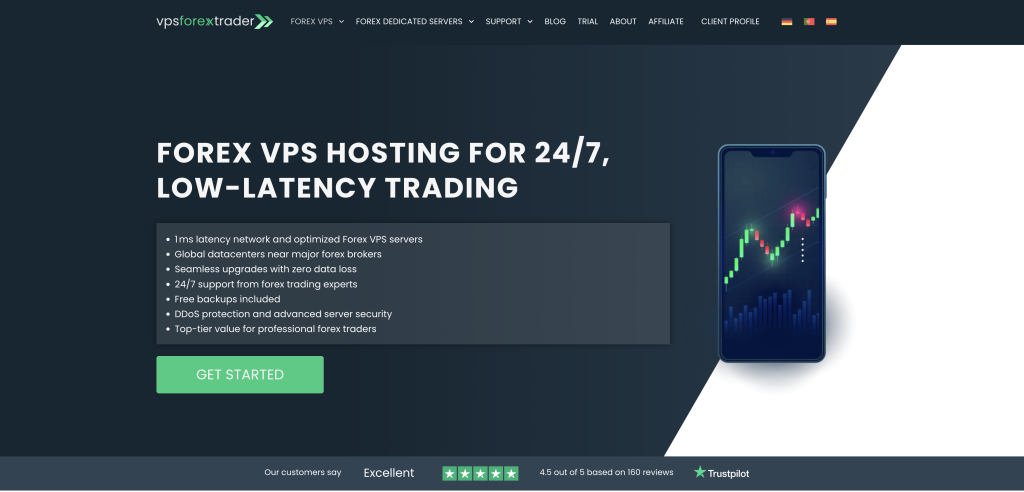
VPSForexTrader is a trading-specific VPS service built around Equinix colocation rather than a general host with forex branding added later, and for EA hosting that distinction decides where your orders physically originate. The servers sit in Equinix NY4 (New York) and LD4 (London). NY4 is the same building where IC Markets hosts its MetaTrader 4 and 5 matching engines [10]. LD4 is where FxPro added a dedicated Ultency cross-connect in January 2026 for ultra-low-latency execution [11]. Amsterdam and Hong Kong complete the location set.
For automated trading the Smart plan is the tier that matters. It provides 3 AMD EPYC vCPU cores, 4 GB of ECC RAM, 120 GB NVMe storage, and Windows Server 2025 Standard with the license included. Monthly billing is $31.99; annual billing brings that to $25.59/month. The ECC memory is the detail that separates this from generic budget hosting for unattended use: over multi-week runs, ECC corrects the single-bit memory errors that can otherwise corrupt an EA’s in-memory state on a server nobody is watching. VPSForexTrader markets Smart as supporting up to 4 terminals, which holds for light indicator usage; for two MT4/MT5 terminals running full EA and indicator sets at once, the Boost plan ($41.24/month annual, 6 cores, 6 GB ECC RAM) gives comfortable headroom, and the Max plan ($59.99/month annual, 8 cores, 8 GB) covers heavy multi-EA grids. VPSForexTrader is the only provider in this comparison that combines ECC RAM, documented Equinix NY4/LD4 colocation, and a sub-$1 trial at a sub-$30 annual price point, which for a trader deploying EAs in the NY4/LD4 corridor is the specific combination that lets you validate latency and then run unattended on error-correcting memory for under $26 a month.
The $0.99/3-day trial is the practical differentiator for EA deployment. It gives full access to the production environment, so you can attach your EA, point it at your broker’s live MT4/MT5 server, and measure real ping before committing. Under 5 ms suggests your broker is in the same Equinix facility or a near one; above 10 ms tells you the location match is wrong before you spend roughly $300 on an annual plan. Non-trial plans carry a 14-day money-back guarantee [12]. Free weekly backups on Smart (daily on Boost and Max), included DDoS protection, and a stated “no service termination on forex trading days” policy for overdue accounts are the kind of operational details that matter across months of hands-off EA running. Trustpilot shows 4.6/5 from 161 reviews, with long-term reviewers naming specific support agents (Leo, Julian, Andrius, Liutauras) and citing multi-month uptime [13].
Limitations: The specific AMD EPYC model and DDR generation are not published on the pricing pages, so single-core clock speed, which directly affects EA order-processing latency, cannot be independently assessed. There is no Linux option. MT4/MT5 must be installed manually over RDP, so the first EA deployment is not as turnkey as a pre-install host. Tokyo is not currently an available location, a real gap for EAs on Asia-Pacific brokers. And it is not the cheapest monthly sticker price here.
Best for: traders running 1 to 4 MT4/MT5 EAs, including DLL-based ones, on brokers hosted in NY4 or LD4 who want trading-specific infrastructure, error-correcting memory for unattended runs, a trial-before-committing mechanism, and a 14-day refund window at a sub-$30 annual price.
The Alternatives
MetaQuotes Virtual Hosting: The Built-In Budget Floor
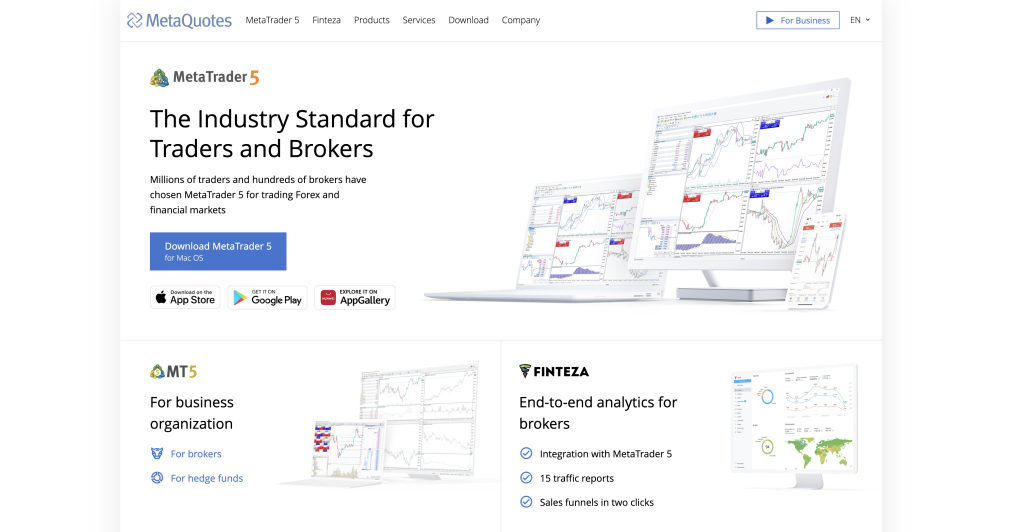
MetaQuotes runs its own VPS directly inside the MT4 and MT5 terminals. Right-click the trading account in the Navigator window, choose “Register a Virtual Server,” and the terminal migrates its configuration, including the attached EA and its settings, in a few clicks. Pricing runs $15/month monthly and $12.80/month annual, with up to 3 GB RAM and 16 GB storage per subscription [2]. The official Rules of Using the Virtual Hosting Service state that paid rent is non-refundable; in practice, MQL5 support has granted refunds for cancellations within 24 hours of subscribing, per forum statements from MQL5 moderators [25]. MetaQuotes claims 96% of broker servers are reachable in under 10 ms and 84% under 3 ms from its hosting points. For a single MQL5-native EA with no DLL imports on one broker account, this is the cheapest credible automated-trading host available and the first option an EA trader should test before paying a third party.
Limitations: One trading account per subscription, so three EA accounts mean three subscriptions at roughly $38.40/month annual, which closes the gap to a third-party VPS that could host all three on one machine. No RDP access, so no Python sidecars, copy-trade bridges, or custom utilities outside MQL5. No DLL imports, which disqualifies a large share of commercial EAs outright. MT4/MT5 only, with no cTrader or NinjaTrader support.
Best for: traders running a single MQL5-native EA with no DLL dependency on one broker account who do not need RDP or multi-platform access.
ForexVPS.net: Widest Location Network for EA Deployment
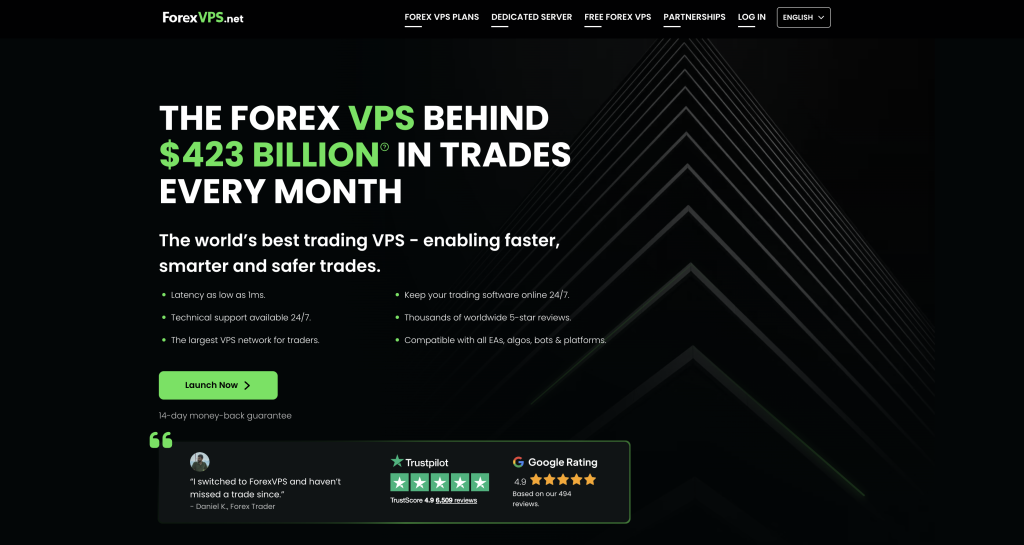
ForexVPS.net is operated by ThinkHuge Ltd, a Hong Kong-based company running at least six brands including FXVM, PingPlayers, AlgoBuilder, TrackaTrader, and HowToTrade. It has operated since 2013 and carries the highest review volume in the category at 6,490 Trustpilot reviews and 4.8/5 as of the dossier date [14]. Plans are Core, Edge, and Prime. Core starts at $40/month ($32/month annual) with 2 vCPU, 4 GB RAM, and 100 GB SSD. Edge at $60/month ($48/month annual) adds 4 vCPU, 6 GB RAM, and 150 GB SSD for 3 to 6 platforms. Prime at $80/month ($64/month annual) offers 6 vCPU, 8 GB RAM, and 200 GB SSD for 6+ platforms [3]. The differentiator for EA traders who chase broker-specific edges is location breadth: 22 cities including London, New York, Amsterdam, Singapore, Zurich, Tokyo, Frankfurt, and Manchester.
Limitations: Pricier than VPSForexTrader at comparable specs ($32 vs. $25.59 annual for similar 4 GB RAM). No general free trial, only a 14-day money-back window, which is a weaker way to validate an EA’s live behavior than a cheap paid trial. Shares infrastructure with FXVM under ThinkHuge Ltd. A fiber-related network failure beginning August 11, 2025 took both ForexVPS.net and FXVM offline simultaneously for roughly 24 hours per the publicly accessible status page at status.thinkhuge.net [15]; traders running EAs on both for redundancy found the redundancy was illusory.
Best for: EA traders whose brokers sit in unusual hubs (Zurich, Manchester, Frankfurt) or who switch brokers often and need the widest hub coverage.
FXVM: Cheapest Forex-Specific Trial
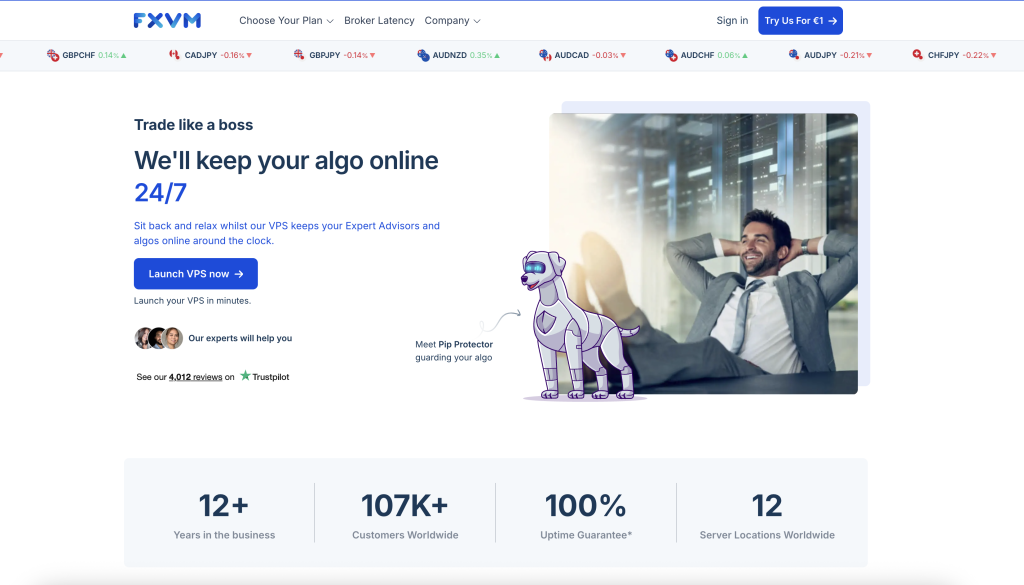
FXVM is also operated by ThinkHuge Ltd, has run since 2013, and reports over 107,000 customers, with 4,022 Trustpilot reviews at 4.8/5 [16]. Its standout feature for EA testing is the $0.99/7-day trial, the longest low-cost trial in the category, which gives an automated strategy a full trading week against a live feed before commitment. Regular plans run from roughly $15/month (Virtual Desktop, single-platform, no DLLs) through $24.65/month (Basic, 2 GB RAM, 60 GB SSD) to $42.50/month (Advanced with the public FXVM4LIFE coupon, 4 GB RAM, 90 GB SSD) [4]. FXVM covers 15 to 16 cities including Tokyo, Mumbai, Sydney, Seoul, and Dubai, giving it the broadest sub-$30 international footprint.
Limitations: The Virtual Desktop tier is single-platform and bans DLLs, making it functionally similar to MetaQuotes Virtual Hosting at a higher price. Shares ThinkHuge infrastructure with ForexVPS.net, so the August 11, 2025 simultaneous outage applies [15]. Entry RAM tiers of 1.5 to 2 GB fall below the practical floor for multi-EA stability. The 7-day money-back guarantee excludes discounted products and dedicated servers.
Best for: traders who want the cheapest way to trial an EA in an unusual location (Dubai, Mumbai, Seoul) before committing.
TradingFXVPS: Hardware-Forward Positioning
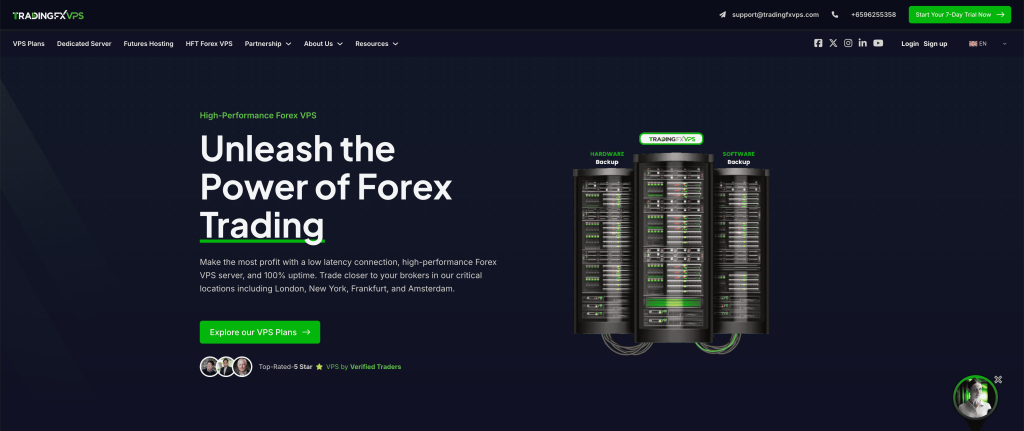
TradingFXVPS markets hardware harder than anyone else here: AMD Ryzen 9 9950X processors at a sustained 4.3+ GHz, DDR5 RAM, NVMe SSD in RAID 1, and 10 Gbps networking [5]. High single-core clock speed is the spec that most directly helps a CPU-bound EA, since MetaTrader processes orders and indicator math on a single thread. The company claims colocation in 8 Equinix data centers including London, New York, Chicago, Singapore, Tokyo, Hong Kong, Frankfurt, and Amsterdam. The HFT Standard plan starts at $17.50/month annual with 2 GB DDR5 RAM; the Advanced plan at roughly $33.75/month annual provides 4 GB. Trustpilot shows 360 reviews at 4.8/5 [17], and Forex Peace Army and Myfxbook both show 5.0/5 [18].
Limitations: The Ryzen 9 9950X and DDR5 claims are vendor-stated and not independently verifiable from the public site. The $3.99/7-day trial costs more than both VPSForexTrader’s and FXVM’s $0.99 trials. The entry HFT Standard tier provides only 2 GB RAM, below the practical minimum for multi-EA setups, so reaching adequate memory means paying the Advanced price. The 30-day money-back guarantee applies to monthly plans only.
Best for: traders whose EA is bottlenecked on single-core performance, such as indicator-dense or tick-by-tick strategies, and who will pay the Advanced tier for adequate RAM.
NYCServers: Pre-Configured Trading VPS
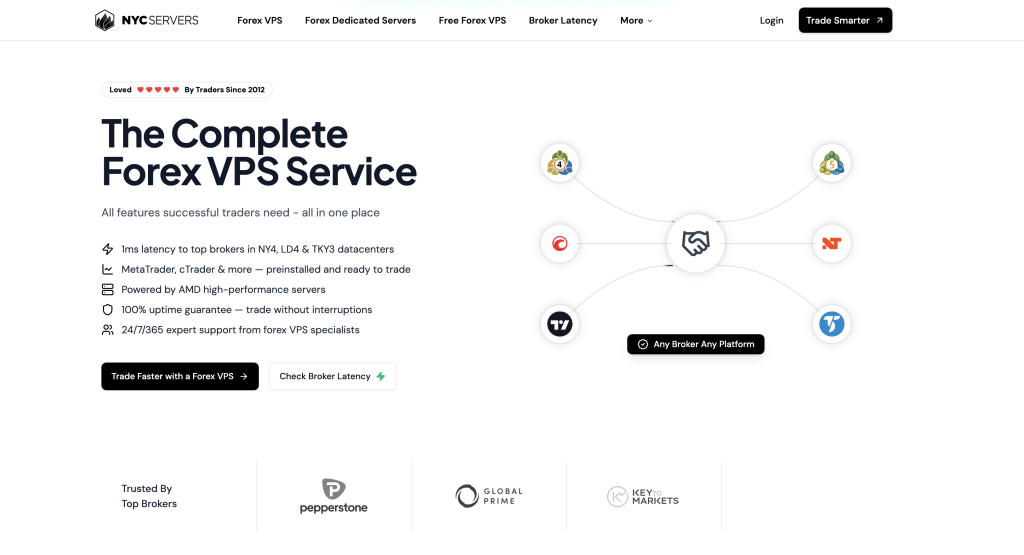
NYCServers has operated since 2012 with a focused three-location model: New York, London, and Tokyo. Its defining feature for less technical EA traders is platform pre-installation based on the broker chosen at checkout, a custom control panel with one-click installs, and automatic broker location optimization [6]. The Basic plan runs $25/month ($16.67/month annual) with 2 cores, 2 GB RAM, and 60 GB storage; the Standard plan at $40/month provides 4 GB RAM. Trustpilot shows 4.6/5. NYCServers publishes a 100% uptime during trading hours SLA.
Limitations: Only three locations, so an EA on a broker outside New York, London, or Tokyo has no good option here. Entry-tier 2 GB RAM is below the multi-EA stability threshold. The comparison pages on the NYCServers site are overtly competitive against named providers and should be read as marketing, not independent analysis.
Best for: less technical traders who want a ready-to-run VPS with their broker pre-installed and do not want to configure Windows Server or install MT4/MT5 manually before attaching an EA.
VPSforFX: ECC RAM at a Lower Annual Price
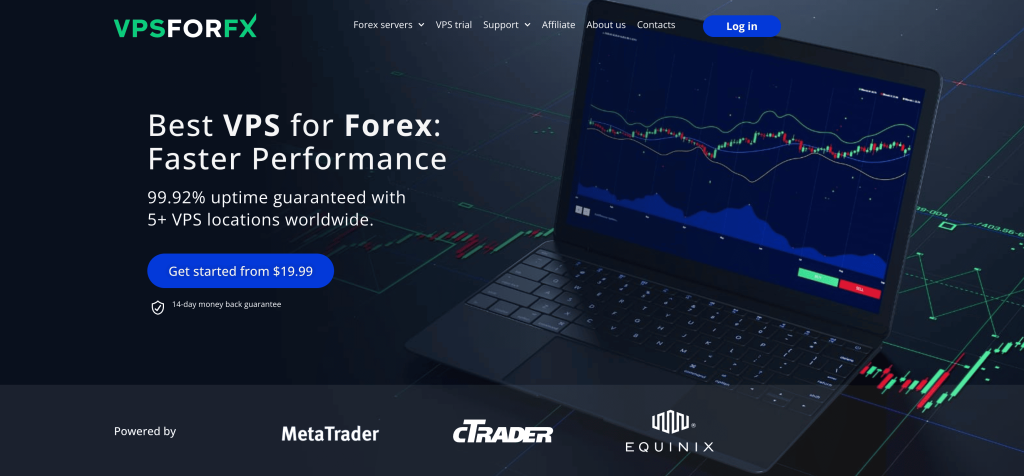
VPSforFX is a trading-focused VPS provider offering AMD EPYC processors, DDR4 ECC RAM, NVMe storage, and Windows Server 2025 Standard across four Equinix-powered locations: New York, London, Amsterdam, and Hong Kong, with Singapore listed as coming soon [7]. The Starter plan provides 1 EPYC core, 2.5 GB ECC RAM, and 50 GB NVMe at $19.99/month. The Standard plan, the recommended tier for EA hosting, offers 2 cores, 4 GB ECC RAM, and 70 GB NVMe at $29.99/month or roughly $22.50/month on annual billing ($269.91/year). All plans include HA clustering for automatic migration during hardware failures, which is a genuinely useful property for an unattended EA, plus a 14-day money-back guarantee. The homepage states a 99.92% uptime guarantee.
Limitations: No low-cost trial; the 14-day money-back guarantee requires full upfront payment, a weaker way to validate an EA than a cheap trial. No Trustpilot profile exists as of the dossier date, removing one independent verification path. The Starter tier’s 2.5 GB RAM is tight for multi-EA setups. The Enterprise plan at $149.99/month is overpriced relative to dedicated-server alternatives elsewhere. Smaller customer base and thinner review presence than established brands.
Best for: traders who want ECC memory with HA failover for unattended EA runs at a low annual price and are comfortable running one or two terminals on the Standard plan without a pre-purchase trial.
AccuWeb Forex VPS: Cheapest Legitimate Entry
AccuWeb Hosting is a general-purpose Windows VPS provider with a forex-branded line. The entry Forex VPS starts at $7.99/month with a 7-day money-back guarantee, Windows Server 2016/2019/2022 pre-activated, and 16 worldwide locations [8]. A free Network Test Tool lets traders check latency to brokers before purchasing, which is useful for sizing up an EA deployment cheaply. The 24/7 managed support with an advertised 7-second average chat response is a real advantage for non-technical traders.
Limitations: AccuWeb does not publish CPU model or RAM type for the Forex VPS line on the public pricing page, so EA performance must be validated empirically. The product is fundamentally a generic Windows VPS with forex marketing, not purpose-built trading infrastructure colocated with brokers, and there is no documented Equinix NY4/LD4 presence. Entry specs are lean and must be tested within the 7-day window before an EA runs live.
Best for: traders whose hard constraint is minimum monthly spend and who will do their own latency due diligence before deploying an EA.
Cloudzy: Generalist Cloud With Forex Branding
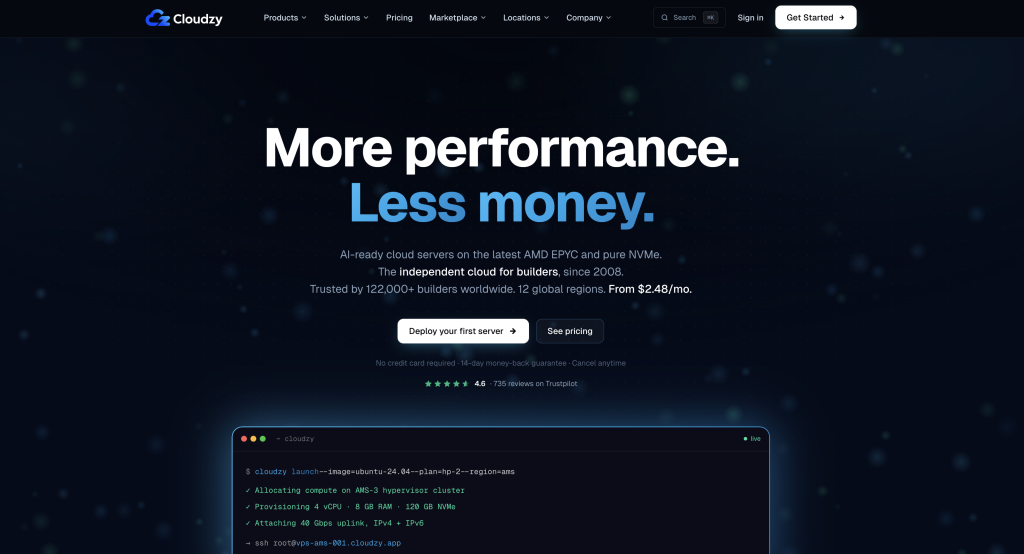
Cloudzy (rebranded from RouterHosting in June 2022 [19]) is an independent cloud provider operating since 2008 and serving over 121,000 customers. The Forex VPS starts at $14.48/month on current promotional pricing (50% off), with AMD EPYC processors, NVMe storage, DDR5 memory on newer instances, and 40 Gbps uplinks [9]. Twelve regions cover London, New York, Frankfurt, Tokyo, Singapore, and Dubai. Trustpilot shows 4.6/5 from over 700 reviews.
Limitations: Cloudzy runs on shared cloud infrastructure, which independent reviews note introduces performance variability under load, a real concern for an EA that needs consistent execution timing. No documented Equinix NY4/LD4 colocation. The promotional $14.48 may revert to a higher rate at renewal. No forex-specific tooling, broker pre-installation, or terminal-capacity guidance.
Best for: traders who want AMD EPYC/DDR5 hardware at a promotional price for EA testing or low-stakes deployments and will validate latency independently.
Full Specification Comparison
| Provider | Entry $/mo (ann.) | 4GB tier $/mo (ann.) | RAM type | CPU | DLL EAs? | Trial | Refund |
| VPSForexTrader | $25.59 | $25.59 | ECC | AMD EPYC | Yes | $0.99/3d | 14-day |
| MetaQuotes VH | $12.80 | n/a (3GB max) | n/a | n/a | No | Free | See note**** |
| ForexVPS.net | $32.00 | $32.00 | Not spec. | Not spec. | Yes | None | 14-day |
| FXVM | ~$15 | $42.50* | Not spec. | Not spec. | Tier-dep. | $0.99/7d | 7-day |
| TradingFXVPS | $17.50 | $33.75 | DDR5 (stated) | Ryzen 9 (stated) | Yes | $3.99/7d | 30-day** |
| NYCServers | $16.67 | $40.00 | Not spec. | Not spec. | Yes | None | 14-day |
| VPSforFX | ~$22.50 | ~$22.50 | ECC DDR4 | AMD EPYC | Yes | None | 14-day |
| AccuWeb | $7.99 | Varies | Not spec. | Not spec. | Yes | None | 7-day |
| Cloudzy | $14.48*** | Varies | DDR5 (newer) | AMD EPYC | Yes | None | 14-day |
* FXVM 4 GB Advanced price with FXVM4LIFE coupon. ** TradingFXVPS 30-day refund on monthly plans only. *** Cloudzy promotional price; standard rate may be higher at renewal. **** MetaQuotes rules state paid rent is non-refundable; MQL5 support has granted refunds within 24 hours of subscription per forum statements [25]. All figures from the dossier; re-verify before publishing.
What Actually Determines EA Performance on a VPS
Find your broker’s real server location before anything else
An EA’s latency edge is decided by geography, not by the VPS spec sheet. Open MT4 or MT5, click the connection status bar in the bottom-right corner, and note the server name (for example, ICMarketsSC-MT5-3). Open a command prompt and run “ping ICMarketsSC-MT5-3” to resolve the IP, then check it on a geolocation service such as iplocation.net. Secaucus, New Jersey means Equinix NY4 or NY5 [10]. Slough, United Kingdom means a Slough-cluster facility, most commonly Equinix LD4 or LD5 for forex brokers, though Virtus and Digital Realty also operate there. Spotware’s cTrader servers sit in Equinix LD5 and NY2 [21]. Buy your VPS in the same facility. This 60-second check prevents the single most expensive mistake an EA trader can make: hosting an automated strategy 3,000 miles from the matching engine.
Keep the platform build current, because EAs fail silently on old builds
MetaTrader 5 build 5800 (April 16, 2026) introduced a redesigned trading dialog with built-in Depth of Market [22], and build 5830 (April 24, 2026) added help-system and interface refinements [23]. MetaTrader 4 build 1460 (March 5, 2026) included security and stability improvements, and build 1440 became the minimum supported MT4 version from July 1, 2025 [24]. An EA running on an outdated build can throw errors that look like VPS problems but are actually platform version mismatches, and on an unattended machine nobody notices until a trade is missed. After deploying on a new VPS, check the build in Help > About and update before going live.
Why 2 GB RAM is not enough for an EA you are not watching
Windows Server 2022 consumes 500 to 700 MB at idle before any platform launches. A single MT4 terminal with three to five charts, a 30-symbol Market Watch, and a couple of indicators adds 250 to 500 MB. MT5, with its 64-bit architecture and richer tick history, runs 400 to 800 MB per terminal. On a 2 GB plan a single EA setup leaves roughly 800 MB to 1.2 GB free, and that margin disappears during news events when tick volume spikes, Market Watch refreshes accelerate, and Windows background tasks run at once. The result is swap usage, which degrades order-execution latency by 200 to 400 ms per tick, exactly when an EA can least afford it. Four gigabytes is the practical floor for stable multi-week unattended operation with one terminal of EAs; with two or more terminals, 6 GB is the starting point.
EAs are single-core bound, so clock speed beats core count
MetaTrader processes order logic and indicator calculations on a single thread per terminal, so an EA’s responsiveness depends more on per-core clock speed than on raw core count. Extra cores help when you run several terminals in parallel, since each can occupy its own core, but they do nothing for a single EA waiting on one busy thread. This is why a host that publishes a high sustained clock speed is more meaningful for CPU-bound EA logic than one advertising a large core count at an unstated speed, and why several providers here that decline to publish their CPU model leave a genuine gap in what an EA trader can assess.
What “99.9% uptime” actually means for an unattended strategy
A 99.9% uptime SLA permits 8.76 hours of downtime per calendar year, and forex VPS providers calculate uptime over total elapsed time, not trading hours. With markets open roughly 6,240 hours a year, about 71% of any random downtime window falls during trading. If 8.76 hours of allowed downtime lands during a Sunday rollover, the cost is zero; if it lands during a Non-Farm Payrolls release while an EA holds open positions, it can exceed the annual VPS bill in one event. An uptime SLA is a billing commitment, the provider credits your account for the breach, not trading insurance. It does not guarantee your EA executes during the specific moments execution matters most, which is the entire reason colocation and memory headroom matter more than a number on a sales page.
Mistakes That Cost Real Money
Choosing a VPS by sticker price without checking broker location. An $8/month VPS in a data center 3,000 miles from the broker’s matching engine adds 40 to 80 ms of round-trip latency. On a scalping EA executing 20 trades a day on EUR/USD at 1 lot, additional slippage of 0.3 to 0.5 pips per trade compounds to roughly $60 to $100 per month in hidden cost. The $17 you saved by going cheap is wiped out three to six times over every month, and an EA will keep doing it automatically without ever flagging the problem.
Assuming two ThinkHuge brands give an EA genuine redundancy. ForexVPS.net and FXVM are both operated by ThinkHuge Ltd and share underlying network infrastructure. The August 11, 2025 fiber failure took both offline simultaneously for roughly 24 hours [15]. If your failover plan is a primary EA on ForexVPS.net and a backup on FXVM, you do not have failover. Use genuinely independent operators for redundancy.
Running multi-EA setups on 1.5 to 2 GB RAM because the sticker price looks good. Memory pressure does not produce clean errors. MT4 degrades quietly: chart updates slow, tick processing queues, and execution latency climbs by hundreds of milliseconds. The decay is gradual and usually invisible until a news spike pushes the machine into swap and an EA misses an entry or exit entirely. The difference between a 2 GB plan and a 4 GB plan is about $120 a year; one missed exit during a volatility event can exceed that.
Forgetting that an EA cannot restart itself. A manual trader notices a frozen terminal and clicks reconnect. An EA on a crashed or rebooted VPS sits dead until the trader logs in. This is why auto-restart of the platform on boot, free backups, and a provider policy against terminating service on trading days matter more for automated strategies than for manual ones. Confirm these before deploying, not after a position has been orphaned.
Paying for a third-party VPS when your broker offers free hosting that suits the EA. IG provides free MetaTrader Virtual Hosting with a CHF/USD 1,000 balance. TastyFX offers the same with $1,000 and one trade per month [20]. FOREX.com provides free VPS for MT5 traders with $500,000+ monthly volume. If your EA’s account meets these thresholds, no paid VPS here will materially outperform the broker-colocated free option, provided your EA does not need DLLs that the free hosting forbids.
Quick Decision Guide
If your EA runs on one MT4 or MT5 terminal on a broker in NY4 or LD4 and you want the best mix of colocation, error-correcting memory for unattended runs, trial access, and price, start with the VPSForexTrader Smart plan at $25.59/month annual (4 GB ECC RAM). Use the $0.99/3-day trial to attach the EA and measure broker ping first; under 5 ms, commit annually; over 10 ms, your broker is not in the same building and you should test a host with the right location instead. If you plan to run two terminals of EAs at once, step up to the Boost plan at $41.24/month annual (6 GB ECC) for headroom.
If your EA is MQL5-native with no DLL dependency and runs on one broker account, MetaQuotes Virtual Hosting at $12.80/month annual is the rational baseline, and you should first check whether your broker offers it free with a qualifying balance.
If your EA depends on DLL imports, skip MetaQuotes Virtual Hosting and FXVM’s Virtual Desktop tier entirely; both forbid them. VPSForexTrader, ForexVPS.net, TradingFXVPS, NYCServers, VPSforFX, AccuWeb, and Cloudzy all permit custom DLLs.
If your broker sits outside the NY4/LD4 corridor (Tokyo, Singapore, Dubai, Mumbai, Zurich), FXVM offers the broadest sub-$30 international footprint with a $0.99/7-day trial, and ForexVPS.net covers even more locations at a higher price. Accept the shared ThinkHuge infrastructure risk if you use either, and do not run your primary and backup EA on both.
If your EA is bottlenecked on single-core speed, TradingFXVPS’s vendor-stated Ryzen 9 9950X at the Advanced tier ($33.75/month annual, 4 GB) is the hardware-forward choice, with the caveat that the spec is unverified from the public site.
If you want ECC memory with HA failover for a long unattended run and do not need a trial, VPSforFX Standard at approximately $22.50/month annual delivers 4 GB across Equinix-powered hubs. As disclosed above, this provider shares an operator with this site; we have ranked it on its specs alongside everyone else, and the trade-offs are a missing trial and no Trustpilot history.
If your budget is genuinely under $10, AccuWeb at $7.99/month is the floor; validate latency and EA stability within the 7-day refund window, because entry specs are lean and broker-hub colocation is not documented.
Questions EA Traders Actually Ask
Can one VPS run multiple EAs on different accounts at the same time?
Yes, and this is where a third-party VPS often beats broker-provided free hosting. Each broker account needs its own terminal instance, and each terminal carries the Windows and platform memory cost described above, so the real limit is RAM, not a stated “EA count.” On 4 GB you can comfortably run one terminal with several EAs across charts within that single account connection; running two or three separate broker accounts simultaneously, each in its own terminal, pushes you toward 6 GB and up. MetaQuotes Virtual Hosting cannot do this on a single subscription because it binds one subscription to one trading account, which is the specific reason multi-account EA traders move to a host like VPSForexTrader Boost or ForexVPS.net Edge.
Will my DLL-based EA run on any VPS in this guide?
Not on all of them. DLL imports are a Windows-level capability, so any provider giving you full RDP access to Windows Server can run a DLL-based EA: that includes VPSForexTrader, ForexVPS.net, TradingFXVPS, NYCServers, VPSforFX, AccuWeb, and Cloudzy. The two that cannot are MetaQuotes Virtual Hosting, which bans DLL imports as a platform policy, and FXVM’s single-platform Virtual Desktop tier, which also disallows them. Before buying for a commercial EA, confirm in the EA’s documentation whether it requires a DLL (many copy-trade bridges, news filters, and broker-data plugins do), because that single requirement eliminates the two cheapest options on this list.
Does an EA need a faster CPU or more RAM first?
Spend on RAM headroom before CPU for most retail EAs. A typical EA’s per-tick logic is light enough that any modern core handles it; what breaks unattended strategies is memory exhaustion forcing the server into swap during volatility, which adds hundreds of milliseconds exactly when the EA needs to act. The exception is a genuinely compute-heavy strategy, dense neural-net indicators, tick-by-tick optimization, or many indicators recalculating on every tick, where single-core clock speed becomes the bottleneck and a host publishing a high sustained clock (such as TradingFXVPS’s vendor-stated figure) earns its place. For the common case of a few standard EAs, 4 GB of headroom prevents more failures than a faster core would.
How long should I trial a VPS before letting an EA trade live money?
Long enough to cover at least one high-volatility session, because that is when a VPS fails. A trial that only spans quiet Asian-session hours tells you almost nothing about how the host behaves during a Non-Farm Payrolls release or a London open. VPSForexTrader’s 3-day $0.99 trial and FXVM’s 7-day $0.99 trial both let you span a scheduled high-impact news event; plan the trial deliberately around one. During it, run a traceroute from the VPS to your broker’s server IP to confirm the first hop stays within the Equinix network, and watch the EA’s execution latency in the journal during the spike, not just at rest.
Is broker-provided free VPS good enough for an EA, or do I need a paid one?
If your account meets the broker’s threshold and your EA does not need DLLs, broker-provided free hosting is often the best option, because it is colocated with that broker’s own servers by definition. IG, TastyFX, and FOREX.com all offer it on qualifying balances or volumes [20]. The reasons to pay anyway are concrete: your EA needs DLLs the free hosting forbids, you run multiple broker accounts that free single-account hosting cannot consolidate, you want RDP access for copy-trade utilities or a Python sidecar, or your balance does not meet the threshold. If none of those apply, test the free option first.
References
[1] VPSForexTrader. “Forex VPS Hosting.” vpsforextrader.com. Plans, pricing, and customer-count claim to be re-verified at publication.
[2] MetaQuotes. “Forex Trading VPS Pricing.” mql5.com/en/vps/forex-plans. Pricing and DLL policy to be re-verified at publication.
[3] ForexVPS.net. “The Best Forex VPS Hosting for Trading.” forexvps.net. Plans and pricing to be re-verified at publication.
[4] FXVM. “Best Forex VPS Near-Zero Low Latency Servers.” fxvm.net. Plans, trial terms, and FXVM4LIFE coupon pricing to be re-verified at publication.
[5] TradingFXVPS. “Affordable, High-Speed VPS for Forex Traders.” tradingfxvps.com. Plans and hardware claims (vendor-stated) to be re-verified at publication.
[6] NYCServers. “Forex VPS Hosting.” newyorkcityservers.com. Plans and features to be re-verified at publication.
[7] VPSforFX. “Premium VPS Hosting Services.” vpsforfx.com. Plans, locations, and specs to be re-verified at publication.
[8] AccuWeb Hosting. “Cheap Forex VPS Hosting.” accuwebhosting.com/vps-hosting/windows/vps-forex. Plans and trial terms to be re-verified at publication.
[9] Cloudzy. “Forex VPS.” cloudzy.com. Promotional pricing and specs to be re-verified at publication.
[10] IC Markets. “Forex Trading Servers.” icmarkets.com/global/en/forex-trading-tools/trading-servers. Confirms NY4 colocation of IC MetaTrader 4 and 5 servers. To be re-verified at publication.
[11] MetaQuotes. “FxPro Expands Ultency Integration with Dedicated Cross-Connect in Equinix LD4 for Ultra-Low Latency Execution.” metatrader5.com/en/news. Published January 26, 2026.
[12] VPSForexTrader. “Forex VPS Free Trial.” vpsforextrader.com/vps-trial/. Trial ($0.99/3-day) and 14-day money-back terms to be re-verified at publication.
[13] Trustpilot. “VPS Forex Trader Reviews.” trustpilot.com/review/vpsforextrader.com. Rating and review count to be re-verified at publication.
[14] Trustpilot. “ForexVPS Reviews.” trustpilot.com/review/www.forexvps.net. Rating and review count to be re-verified at publication.
[15] ThinkHuge Ltd. “Status Page.” status.thinkhuge.net. Documents the August 11, 2025 fiber-related network failure affecting ForexVPS.net and FXVM simultaneously. To be re-verified at publication.
[16] Trustpilot. “FXVM Reviews.” trustpilot.com/review/fxvm.net. Rating and review count to be re-verified at publication.
[17] Trustpilot. “TradingFXVPS Reviews.” trustpilot.com/review/tradingfxvps.com. Rating and review count to be re-verified at publication.
[18] Myfxbook. “Top Forex VPS Services 2026.” myfxbook.com/reviews/vps-services. Third-party review aggregator; treat as commercially interested. To be re-verified at publication.
[19] Cloudzy / ACCESSWIRE. “RouterHosting Rebrands as Cloudzy.” accessnewswire.com. Published June 24, 2022.
[20] TastyFX. “MetaTrader 5 VPS: Best MT5 VPS Hosting.” tastyfx.com/platforms/metatrader-5/mt5-vps/. Free VPS threshold to be re-verified at publication.
[21] Spotware Systems. “World-Class Infrastructure of cTrader.” spotware.com/products/brokers/server. Confirms LD5/NY2 hosting. To be re-verified at publication.
[22] MetaTrader 5. “Release Notes: Build 5800.” metatrader5.com/en/releasenotes/terminal/2436. Published April 16, 2026.
[23] MetaTrader 5. “Release Notes: Build 5830.” metatrader5.com/en/releasenotes/terminal/2437. Published April 24, 2026.
[24] MetaTrader 4. “Release Notes: Build 1460.” metatrader4.com/en/releasenotes/565. Published March 5, 2026.
[25] MetaQuotes. “Rules of Using the Virtual Hosting Service.” mql5.com/en/vps/rules. States paid rent is non-refundable; MQL5 moderator forum statements confirm 24-hour refund practice. To be re-verified at publication.
About This Review
This review was researched and written by the VPSforFX editorial team. The evaluation criteria, provider selection, and conclusions are the team’s own. Regarding competitors: ThinkHuge Ltd operates both ForexVPS.net and FXVM, which is why their August 11, 2025 outage affected both at once, and this is noted in the relevant sections. We have stated this so you do not have to take our ranking on trust; every figure above is sourced to the provider’s own page or to Trustpilot for independent verification. Specifications, pricing, and trial terms must be re-confirmed on each provider’s website before relying on them, as forex VPS terms change frequently.