
Running one or two MetaTrader 4 terminals with a couple of Expert Advisors does not require enterprise infrastructure, but it does require a forex VPS that stays online, remains responsive under load, and does not degrade during active market hours. The failure mode that costs money is not a dramatic crash; it is the budget plan that runs fine in a quiet session, then stalls during a news spike when tick volume surges and the EA misses an entry or an exit. A single missed exit on a live position can cost more than a year of the few dollars per month you saved by buying the leanest plan available. This guide focuses on affordable MT4-specific VPS plans that are actually usable for live EA trading, where affordable means entry plans roughly under $30 to $35/month that can run MT4 without cutting the corners that hurt execution, stability, or uptime.
We evaluated five providers across verified entry pricing, realistic MT4 terminal capacity, broker-hub location relevance, hardware sizing for sustained EA workloads, and trial or refund terms that let you validate before committing. Two points frame everything below. Latency figures assume your VPS location matches your broker’s server location, since geography governs execution speed more than any spec sheet. And MT4 performance depends more on CPU consistency and uptime than on headline core counts, because MT4 leans heavily on single-core performance for order execution and indicator calculation. Our full method and what we did not test are in the methodology section below.
What We Found
Across the five providers, here is the summary. VPSForexTrader delivers the strongest balance of starter specs and risk control: 3 AMD EPYC cores, 4 GB ECC RAM, and 120 GB NVMe on Windows Server 2022 at $25.59/month annual, with a $0.99/3-day trial and a 14-day money-back guarantee in a price segment where neither is common [1]. FXVM is the cheapest viable entry point at roughly $11.90/month with a $0.99/7-day trial, suited to a single MT4 terminal with one EA [2]. AccuWeb has the lowest headline price at $7.99/month with a 7-day money-back guarantee, a general-purpose Windows VPS with forex branding best kept to light single-terminal use [3]. TradingFXVPS positions around execution speed at $17.50/month annual ($25 monthly), modest on resources but focused on single-core responsiveness for scalping EAs [4]. ForexVPS.net sits at the upper end of affordable at roughly $28 to $32/month annual (it moves with promotions) with 4 GB and 22 locations, the most flexible option for multi-terminal setups or unusual broker hubs [5].
Quick Recommendations by Scenario
| If your MT4 EA setup is… | Our pick | Why it fits | From (annual) |
| Best overall, room to grow past one terminal | VPSForexTrader Smart | 4 GB ECC, NVMe, $0.99 trial + 14-day refund | $25.59/mo |
| One MT4 plus one EA on the lowest viable cost | FXVM | Cheap entry, $0.99/7-day trial | ~$11.90/mo |
| Absolute lowest headline price, light use | AccuWeb | $7.99 entry, 7-day money-back | $7.99/mo |
| Execution-sensitive scalping EA, lean setup | TradingFXVPS | Single-core focus, 30-day refund | $17.50/mo |
| Multiple terminals or an unusual broker hub | ForexVPS.net Core | 4 GB, 22 locations | $28/mo |
Latency note: a modest VPS in the same trading hub as your broker will outperform a far stronger server on another continent, because latency is governed by geography and routing, not specifications. Confirm where your broker hosts its MT4 servers before choosing a VPS location, and validate with a trial against your specific broker before committing.
How We Evaluated These Providers
Each provider was assessed on five dimensions that determine whether a budget MT4 VPS is actually usable for live EA trading. Verified entry pricing at monthly and, where offered, annual billing, confirmed against each provider’s own pricing page. Realistic MT4 capacity, meaning how many terminals and EAs the entry plan can run without the memory and CPU pressure that produces freezes, rather than the optimistic count marketing implies. Broker-hub location relevance, since proximity to the broker’s MetaTrader server governs execution and a budget VPS in the wrong region negates its own savings. Hardware sizing for sustained EA workloads, with attention to RAM headroom and CPU consistency rather than raw core count, because MT4 is single-core bound for execution. And trial or refund terms that allow real-world validation before annual commitment.
All specifications here are drawn from publicly available vendor documentation and should be re-confirmed at publication, since pricing and availability change. Latency claims from every provider here, including our top pick, are vendor-stated and conditional on broker colocation; they have not been independently replicated. Where a provider does not publish a specification (CPU model, RAM type), we record it as not publicly specified rather than assume it.
Our Top Pick: VPSForexTrader
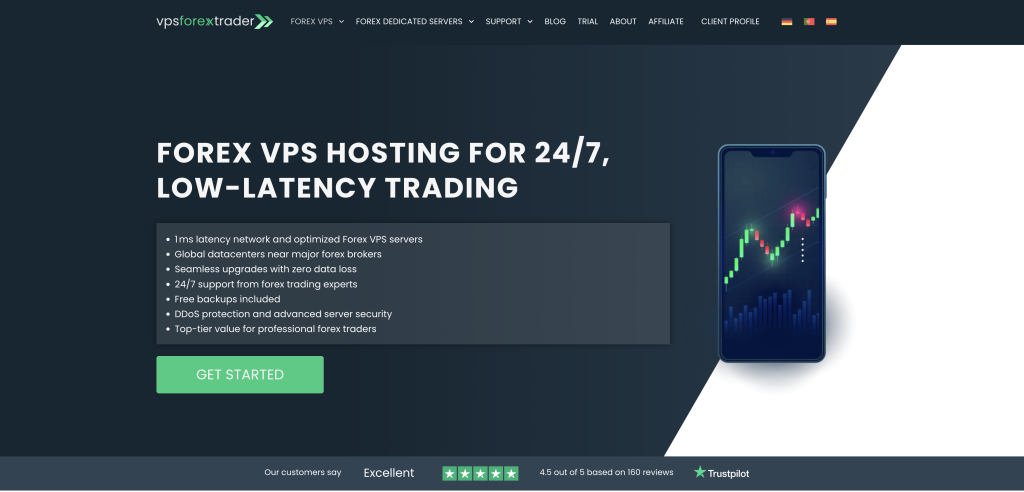
VPSForexTrader is ranked first not because it is the cheapest plan here, but because it delivers the best balance of price, performance, and risk control for MT4 EA traders, and the trial plus refund window matters more for live trading than saving a few dollars a month. What separates it from the cheaper options is the trading-first sizing: even the entry Smart plan includes 3 AMD EPYC cores, 4 GB ECC RAM, and 120 GB NVMe storage on Windows Server 2022, which provides enough headroom to run three to four MT4 terminals with EAs and indicators without the constant CPU spikes or memory pressure that produce unexplained freezes on leaner plans. For MT4 specifically, that kind of stability matters more than a headline core count, because the platform leans on single-core performance for order execution, and the ECC memory adds the single-bit error correction that server-grade deployments are specified for, a modest reliability margin for terminals running unattended for weeks (in practice, memory-related MT4 freezes are far more often a capacity problem, too little RAM, than a bit-flip one). The Boost plan (6 cores, 6 GB ECC) and Max plan (8 cores, 8 GB ECC) run $54.99 and $79.99 per month respectively and scale for heavier multi-terminal stacks; annual billing discounts each tier, but not by the same percentage as Smart (Smart’s annual works out to 20% off its monthly), so confirm each tier’s annual rate at checkout rather than assuming Smart’s multiplier carries across the range.
The other major advantage is risk control, which is genuinely rare in this price segment. The $0.99/3-day trial gives full access to the production environment so you can test real MT4 performance and measure actual latency to your broker before committing, and non-trial plans carry a 14-day money-back guarantee as a second validation layer. VPSForexTrader also publishes explicit sizing guidance (how many MT4 or MT5 instances fit per plan) rather than leaving you to guess, and its locations (Equinix NY4 in New York, LD4 in London, plus Amsterdam and Hong Kong) align with where many retail brokers host their MetaTrader infrastructure. Free backups are included (weekly on Smart, daily on Boost and Max), alongside DDoS protection and a stated policy of not terminating service during active forex trading days for overdue accounts.
Limitations: It is not the cheapest monthly price on this list, and it is overkill if you only ever intend to run a single, very lightweight MT4 terminal, where FXVM or AccuWeb cost less. The specific AMD EPYC model is not disclosed on the pricing pages, so single-core clock cannot be independently assessed, and the DDR generation (DDR4 or DDR5) is not specified. There is no Linux option, and while VPSForexTrader markets a 99.99% uptime guarantee, the formal SLA terms and any credit structure are not detailed publicly. MT4 requires manual installation via RDP rather than coming pre-configured.
Best for: MT4 EA traders who want an affordable VPS that does not feel fragile, can scale beyond one terminal, and lets them validate real execution and latency through a sub-dollar trial and a 14-day refund window before committing to annual billing.
The Alternatives
FXVM: Cheapest Viable MT4 Entry Point
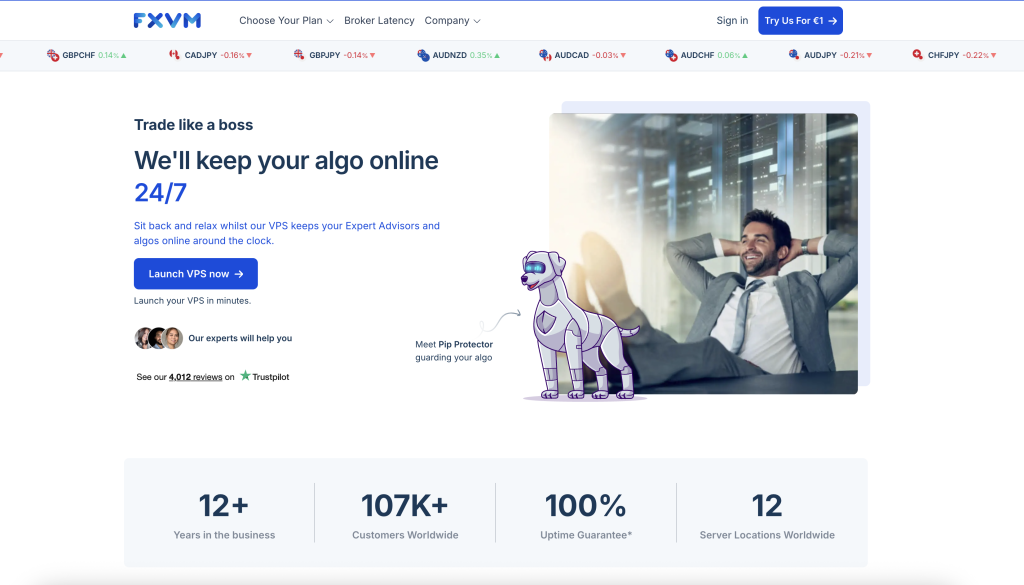
FXVM is the most common cheap-but-functional MT4 VPS option, with the entry Basic plan from roughly $11.90/month (2 GB RAM on a dual-core allocation) that is realistically suited to one MT4 terminal running a light EA [2]. It is not designed for multi-terminal setups, but it works if your requirements are simple, and the $0.99/7-day trial makes it easy and low-cost to test whether a VPS improves your trading environment at all before paying for a month. FXVM covers roughly 15 regions across the US, Europe, and Asia, giving it reasonable location choice for a budget provider. The operator is ThinkHuge Ltd, Hong Kong, which is a detail that matters for redundancy planning, covered in the limitations below.
Limitations: The Basic plan at roughly $11.90/month provides 2 GB RAM on a dual-core allocation, enough for a single MT4 terminal with one light EA but below the practical floor for running multiple terminals, so it is easy to outgrow once you add indicators or a second terminal; FXVM also lists a separate, leaner 1.5 GB Lite tier and an entry-level Virtual Desktop, both single-platform options rather than multi-EA homes, and the budget tiers do not step cleanly by RAM, so confirm the current ladder and pricing on FXVM’s site. FXVM shares infrastructure with ForexVPS.net under the same parent (ThinkHuge Ltd), and a documented August 2025 outage took both brands offline simultaneously for roughly 24 hours, so running FXVM alongside ForexVPS.net does not provide genuine redundancy. RAM type is not specified as ECC, and storage is SSD rather than NVMe on the entry tiers.
Best for: traders running one MT4 terminal with a single EA who want the lowest reasonable cost and a cheap way to test VPS hosting before scaling up.
AccuWeb Forex VPS: Lowest Headline Price With a Money-Back Window

AccuWeb offers one of the cheapest legitimate forex VPS plans available, starting at $7.99/month with a 7-day money-back guarantee [3]. It is a general-purpose Windows VPS provider offering a forex-branded product line rather than purpose-built trading infrastructure, so the upside is the low price while the downside is that entry plans are lean (around 1 vCPU and 1.5 GB RAM on SSD) and best suited to light single-terminal MT4 use that you validate carefully. Note that AccuWeb does not offer a free trial; you pay for the plan upfront and rely on the 7-day money-back guarantee for validation, so any testing has to happen inside that refund window. AccuWeb runs a broad global location set and offers multiple Windows Server versions, with 24/7 support that is a genuine help for less technical traders.
Limitations: The entry plan is resource-constrained and best kept to one light MT4 terminal, with performance that is less consistent under sustained load than the trading-first providers here. AccuWeb is not optimized for low-latency trading hubs by default and does not document Equinix NY4 or LD4 colocation, so broker-hub proximity is the trader’s responsibility to verify. CPU model and RAM type are not published on the pricing page.
Best for: budget-first traders who want the cheapest possible MT4 VPS, run a single light EA, and are willing to test latency and stability thoroughly within the 7-day window.
TradingFXVPS: Affordable, Execution-Focused
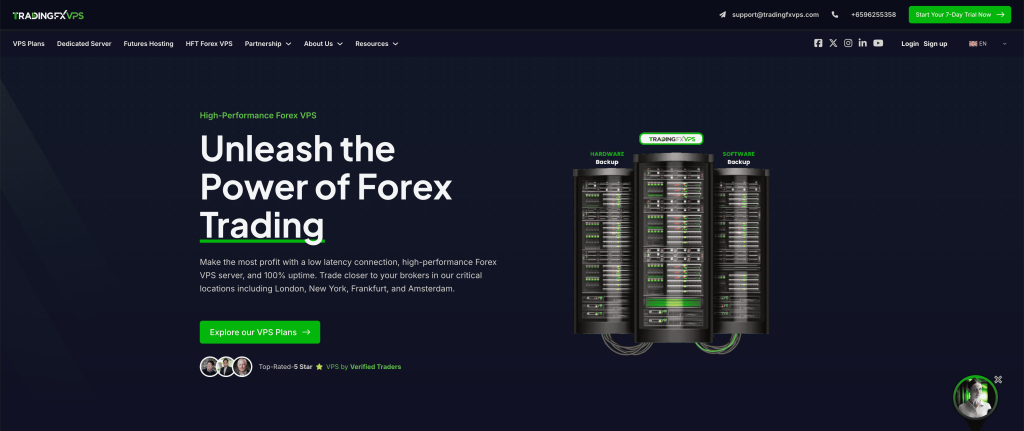
TradingFXVPS positions itself around low-latency trading at roughly $25/month monthly ($17.50/month annual on the Standard tier), with modest entry specs (1 core, 2 GB RAM, 30 GB NVMe) but an emphasis on CPU responsiveness rather than multitasking capacity, which can work well for one or two MT4 terminals running execution-sensitive or scalping EAs [4]. The operator is High Frequency Trading Network Pte Ltd, Singapore. The provider publishes broker-specific latency figures that should be read as vendor-measured claims to verify during a trial rather than guarantees. The trial is $3.99 for 7 days and the money-back guarantee runs 30 days on monthly plans, the longest refund window here.
Limitations: The entry plan has limited headroom, so a multi-EA or multi-terminal setup will outgrow it quickly. The latency claims are self-reported by a commercially interested party and must be verified against your own broker. Windows Server 2016 is among the selectable OS options and reaches end of extended support in January 2027, so select Windows Server 2019 or 2022 at order time rather than leaving the default. RAM type is not specified as ECC on the plan pages.
Best for: MT4 traders who prioritize execution speed for scalping EAs, are comfortable running a lean single-terminal setup, and will validate the latency claims during the trial while selecting a current Windows Server version at checkout.
ForexVPS.net: More Capacity and the Widest Coverage
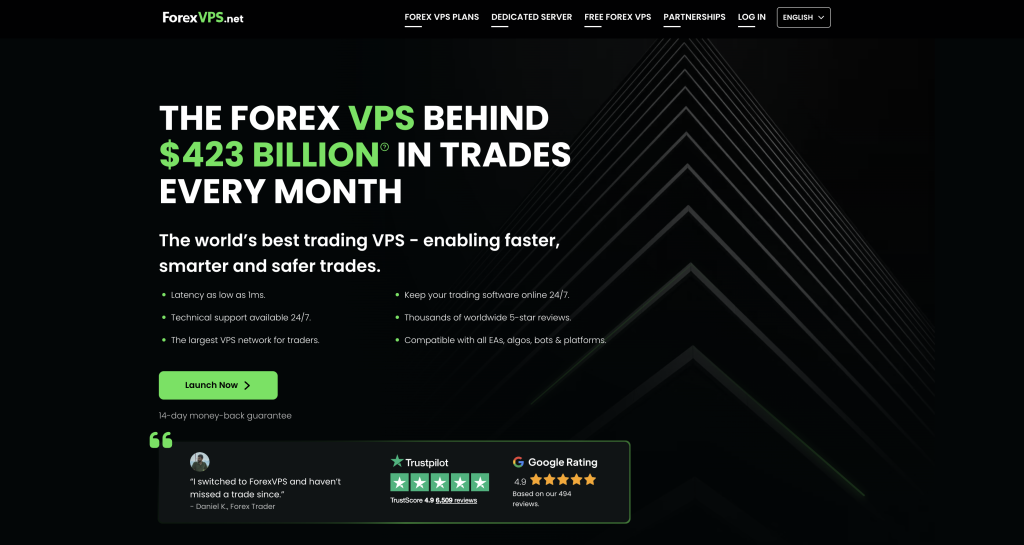
ForexVPS.net sits at the upper end of affordable, with the Core plan at $35/month monthly (roughly $28/month annual), and it earns its place on capacity and coverage rather than price [5]. With 2 vCPU, 4 GB RAM, and 100 GB storage, the Core plan can comfortably run three to four MT4 terminals, and the provider’s 22 global locations make it easier to match broker infrastructure when your broker sits outside the standard New York or London hubs. The annual rate moves with promotional cycles (third-party listings have shown it between roughly $28 and $32), so confirm the current figure at checkout. The operator is ThinkHuge Ltd, Hong Kong, with a long track record in the forex VPS niche.
Limitations: It is more expensive than the budget options here and less compelling if you only need a single MT4 terminal. CPU architecture and RAM type are not specified as ECC on the pricing page, a transparency gap relative to VPSForexTrader. ForexVPS.net shares infrastructure with FXVM under the same parent (ThinkHuge Ltd), and the August 2025 outage took both brands offline simultaneously, so pairing the two for redundancy does not buy genuine fail-over.
Best for: traders who want enough capacity to run several MT4 instances or who need location flexibility to match an unusual broker hub, and who accept a higher monthly cost for that headroom and coverage.
Full Specification Comparison
| Provider | Entry $/mo (ann.) | Entry specs | Realistic MT4 capacity | Key locations | Trial / refund |
| VPSForexTrader | $31.99 / $25.59 | 3 core EPYC, 4 GB ECC, 120 GB NVMe | 3 to 4 terminals | NY4, LD4, Amsterdam, HK | $0.99/3d; 14d |
| FXVM | ~$11.90 | 2 vCPU, 2 GB, SSD | 1 terminal | US, EU, Asia (15) | $0.99/7d; 7d |
| AccuWeb | $7.99 | 1 vCPU, ~1.5 GB, SSD | 1 to 2 light | US + global (16) | None / 7d |
| TradingFXVPS | $25 / $17.50 | 1 core, 2 GB, 30 GB NVMe | 1 to 2 terminals | NY4, LD4 + 6 | $3.99/7d; 30d |
| ForexVPS.net | $35 / $28 | 2 vCPU, 4 GB, 100 GB SSD | 3 to 4 terminals | 22 cities | None / 14d |
* All figures from the dossier; re-verify on each provider’s own pages before publishing. RAM type is not specified as ECC except where noted (VPSForexTrader). Latency figures are vendor-stated and have not been independently replicated. FXVM and ForexVPS.net are both operated by ThinkHuge Ltd on shared infrastructure.
What Actually Matters for an Affordable MT4 EA VPS
Location beats specifications
For MT4 execution, physical proximity to your broker’s trading servers beats hardware every time, because latency is governed by geography and network routing, not spec sheets. If your VPS sits far from the broker, adding CPU cores or RAM will not fix execution delays or order lag, while a modest VPS in the same city or trading hub as the broker will usually outperform a much stronger server hosted on another continent. The practical step costs nothing: before choosing a VPS location, open MT4, check the connection status and server hostname in the bottom-right corner, and confirm with your broker which data center hosts the trade server. Getting this right is the single highest-impact decision in budget VPS selection, and it is the reason a cheaper, correctly placed plan routinely beats a pricier, distant one.
CPU consistency beats core count
MT4 depends heavily on single-core performance for order execution, indicator calculation, and chart updates, so a stable, consistently available core often delivers better real-world performance than several oversubscribed cores that spike or stall during active sessions. Many cheap plans advertise multiple cores but oversell them, scheduling several tenants onto the same physical cores so that a noisy neighbor steals cycles exactly when tick volume rises. This is why a provider that allocates dedicated cores, as VPSForexTrader does, is more meaningful for MT4 than one advertising a higher core count at an unstated and shared clock, and why a provider that will not publish its CPU model leaves a real information gap for an EA trader trying to assess single-core behavior.
RAM headroom prevents random freezes
Memory shortage is one of the most common causes of unexplained MT4 freezes and crashes, because the terminal does not run in isolation: Windows Server itself, the platform, multiple charts, indicators, historical data, and log growth all consume memory, and usage climbs faster than traders expect as EAs and indicators are added. Two gigabytes can run a single lightweight MT4 terminal, but it leaves little margin once background processes and a second chart load, and that margin vanishes during volatility when tick volume spikes push the machine into swap. Four gigabytes is the practical set-it-and-forget-it floor for stable unattended operation, which is why the 4 GB entry tiers on VPSForexTrader Smart and ForexVPS.net Core are a more honest starting point for a real multi-EA setup than the 1.5 to 2 GB tiers some providers lead with.
Trials, refunds, and the danger of zero margin
A cheap VPS that performs poorly is not cheap once it costs you a missed trade, delayed execution, or unexpected downtime, so the trial and refund window is where budget plans prove themselves. Being able to measure live latency to your specific broker, watch CPU behavior during a news event, and confirm platform stability before committing long-term reduces the real risk of a lean plan substantially, which is why VPSForexTrader’s $0.99/3-day trial, FXVM’s $0.99/7-day trial, and TradingFXVPS’s $3.99/7-day trial are worth using before annual billing rather than after. AccuWeb and ForexVPS.net do not offer a pre-purchase trial, so validation there relies on the money-back window (7 days for AccuWeb, 14 for ForexVPS.net): you pay first and must complete testing inside that window to refund if it falls short. The corollary is to avoid plans with no spare capacity: a VPS that runs at 90 to 100% CPU or RAM during normal trading is guaranteed to fail during volatility, when tick-volume and indicator-calculation spikes demand headroom, so an affordable plan should still leave a safety buffer rather than operate permanently at its limit.
Mistakes That Cost EA Traders Money
Choosing a VPS by monthly price without checking broker location. A $8/month plan in a data center on the wrong continent adds tens of milliseconds of round-trip latency that no CPU upgrade compensates for, and on an execution-sensitive EA the resulting slippage can erase the few dollars saved many times over in a single month. Confirm the broker’s trade-server data center first, then choose a matching VPS location, then size the plan.
Sizing CPU by core count for a single-threaded MT4 workload. An EA scanning multiple pairs in one MT4 terminal leans on a single core, so a higher per-core clock helps while extra oversubscribed cores do nothing. Prioritize a stable, dedicated core over a large advertised core count, and treat a provider that will not publish its CPU model as a genuine information gap.
Running multi-EA setups on a 1.5 to 2 GB plan because the sticker price looks attractive. Memory pressure does not announce itself with a clean error; MT4 degrades quietly as charts slow and tick processing queues, until a news spike forces swap and an EA misses an entry or exit entirely. The difference between a 2 GB and a 4 GB plan is a few dollars a month, far less than one missed exit during a volatility event.
Treating two ThinkHuge brands as redundancy. ForexVPS.net and FXVM are both operated by ThinkHuge Ltd on shared infrastructure, and the August 2025 outage took both offline simultaneously for roughly 24 hours. A primary EA on one and a backup on the other is not redundancy; genuine fail-over needs two independent operators on separate infrastructure.
Committing to annual billing without a trial. Annual billing saves money but locks you in, so if the latency to your broker turns out poor or the entry RAM proves too tight, you are negotiating a refund against terms you already accepted. Use the trials and money-back windows to validate location, specs, and stability first, then commit to annual once all three are confirmed.
Quick Decision Guide
For MT4 EA traders who want an affordable VPS that stays stable, can grow beyond one terminal, and lets them validate execution before paying for a year, the route is VPSForexTrader’s Smart plan at $25.59/month annual (3 cores, 4 GB ECC, 120 GB NVMe), using the $0.99/3-day trial to measure real broker latency and CPU stability first and stepping up to Boost or Max for heavier stacks.
For traders running a single MT4 terminal with one EA who want the lowest reasonable monthly cost, the route is FXVM from roughly $11.90/month with its $0.99/7-day trial, accepting the tight entry RAM and the ThinkHuge shared-infrastructure caveat if you also use ForexVPS.net.
For budget-first traders who want the absolute lowest headline price for a single light EA, the route is AccuWeb at $7.99/month, validating latency and stability thoroughly within the 7-day money-back window (there is no free trial, so you pay first and refund if it falls short) because the entry specs are lean and broker-hub colocation is not documented.
For traders who prioritize execution speed on a scalping EA and are comfortable with a lean setup, the route is TradingFXVPS Standard at $17.50/month annual, confirming the latency claims during the $3.99/7-day trial and selecting Windows Server 2019 or 2022 at order time.
For traders who need to run several MT4 terminals or whose broker sits outside the standard hubs, the route is ForexVPS.net Core at roughly $28 to $32/month annual for 4 GB and 22 locations, accepting the higher cost and the shared-ThinkHuge-infrastructure caveat.
Questions MT4 EA Traders Actually Ask
How much RAM does an MT4 VPS actually need for EAs?
More than the sticker price suggests, because the EA is the smallest part of the footprint. Windows Server consumes a baseline before MT4 launches, then each terminal, its charts, indicators, history, and log growth stack on top. A single light EA can run on 2 GB, but a real setup with multiple charts and indicators, or a second terminal, needs 4 GB as a practical floor, and the failure mode when RAM runs short is not a clean error, it is gradual lag and missed fills that only become visible during a volatility spike. Size to 4 GB if you intend to run anything beyond one minimal terminal, which is why the 4 GB tiers on VPSForexTrader Smart and ForexVPS.net Core are the honest starting points here.
Can I run MT4 and MT5 EAs on the same VPS?
Yes, but plan for the combined memory load. A single MT4 terminal with a standard EA uses a few hundred megabytes; adding an MT5 terminal alongside roughly doubles the trading-software footprint because MT5 has a heavier 64-bit architecture and richer tick history. Combined with Windows Server overhead, comfortable simultaneous operation wants at least 6 GB, which on this list means stepping up to VPSForexTrader Boost rather than relying on a 4 GB entry tier, where both will launch but leave no headroom for tick-volume spikes during news.
Will a cheaper VPS hurt my EA’s backtested results in live trading?
Not directly through specs, but indirectly through execution. A backtest assumes instant, perfect fills; live results diverge mainly because of slippage and latency, which a correctly placed VPS reduces and a poorly placed one worsens. A lean plan that stalls during volatility, or one located far from the broker, widens the gap between backtest and live performance by introducing the very delays the backtest ignored. The VPS cannot improve a strategy’s underlying logic, but the right location and enough headroom keep live execution closer to the modeled assumptions.
Is the cheapest MT4 VPS ever the right choice?
Sometimes, but only after location and headroom are right. An $8/month AccuWeb plan or a ~$12/month FXVM plan is a reasonable home for a single light EA if the location matches your broker and you validate stability before the refund window closes (AccuWeb is pay-first with a 7-day money-back guarantee; FXVM offers a $0.99/7-day trial). For a multi-EA or multi-terminal setup, or an execution-sensitive scalping strategy, the hidden cost of a lean or distant plan (slippage, missed fills, freezes) will exceed the saving over a properly sized plan within the first month. Solve location first, size to the workload second, and let price decide only between options that already clear both bars.
What about MetaQuotes Virtual Hosting or a broker-sponsored free VPS?
For a single MQL4 EA with no DLL dependencies on one account, MetaQuotes Virtual Hosting (rented from inside the MT4 terminal) is often the cheapest credible path and co-locates with broker infrastructure, though it bans DLL imports and offers no RDP access for additional software. Several brokers also sponsor a free or subsidized VPS for clients meeting a volume or balance threshold, but you do not choose the provider, location, or specs, and a sponsored VPS placed away from the broker’s own trade server can deliver worse latency than a correctly placed paid plan. Check both before paying for a third-party VPS, and verify the sponsored VPS’s location with the broker.
How do I validate an MT4 VPS during a trial?
Set up the exact MT4 configuration your strategy uses (charts, indicators, the live EA, your broker account), then run it during a real trading session including at least one high-volatility window. Watch three things the marketing cannot prove: real round-trip latency to your broker’s trade server (read the ping in the terminal rather than pinging the broker’s website, which hits a different server), CPU behavior under load during a news event, and whether the platform stays responsive without freezing or the machine rebooting. Only commit to annual billing once location, specs, and stability are all confirmed.
References
[1] VPSForexTrader. “Forex VPS Hosting.” vpsforextrader.com. Plans, pricing, AMD EPYC/ECC/NVMe specifications, NY4/LD4 locations, $0.99 trial, 14-day money-back.
[2] FXVM. “Best Forex VPS Near-Zero Low Latency Servers.” fxvm.net. Entry pricing, $0.99/7-day trial, multi-region footprint, and shared-parent status with ForexVPS.net (ThinkHuge Ltd) to be re-verified at publication.
[3] AccuWeb Hosting. “Forex VPS.” accuwebhosting.com. Entry pricing, 7-day money-back guarantee (no free trial), global locations, and Windows Server options to be re-verified at publication.
[4] TradingFXVPS. “Affordable, High-Speed VPS for Forex Traders.” tradingfxvps.com. Plans, pricing, selectable Windows Server versions, eight locations, 30-day money-back, and broker-specific latency figures (vendor-stated) to be re-verified at publication.
[5] ForexVPS.net. “Forex VPS Hosting.” forexvps.net. Core plan specifications, 22 locations, pricing (monthly roughly $35, annual roughly $28 to $32 and promo-dependent), and shared-parent status with FXVM (ThinkHuge Ltd) including the August 2025 outage affecting both brands to be re-verified at publication.
[6] MetaQuotes. “MetaTrader 4 Platform” and “Virtual Hosting for MetaTrader.” metatrader4.com and mql5.com/en/vps. Source for MT4 single-core performance and RAM considerations, and MetaQuotes Virtual Hosting pricing, DLL restrictions, and broker co-location. To be re-verified at publication.
About This Review
This review was researched and written by the VPSforFX editorial team. The evaluation criteria, provider selection, and conclusions are the team’s own. A disclosure applies: ForexVPS.net and FXVM are both operated by ThinkHuge Ltd (Hong Kong) on shared infrastructure that failed simultaneously in August 2025, which is why pairing them does not provide genuine redundancy, and this is disclosed in the relevant sections because it materially affects recovery planning. We have stated this so you do not have to take the ranking on trust; every figure above is sourced to the provider’s own page for independent verification, and where any provider, including our top pick, does not disclose a specification, we record the gap rather than assume it.
All hardware specifications, pricing, plan details, and location claims are based on publicly available vendor documentation and must be re-confirmed directly with the provider before purchasing, since pricing and availability change. Latency figures cited from VPS providers are vendor-supplied from commercially interested sources and conditional on broker colocation; no independently replicated latency benchmarks were identified during research. This guide evaluates VPS infrastructure for running MT4 Expert Advisors and is not financial advice. A VPS can reduce the network-layer latency between your terminal and your broker’s server and improve uptime; it cannot guarantee execution quality, improve a strategy’s underlying logic, or eliminate broker-side processing delays. Trading outcomes depend on market conditions, broker execution models, liquidity, and strategy design, none of which are within VPS scope. Where readers identify factual errors, the article will be updated and the change log below will document the correction.